


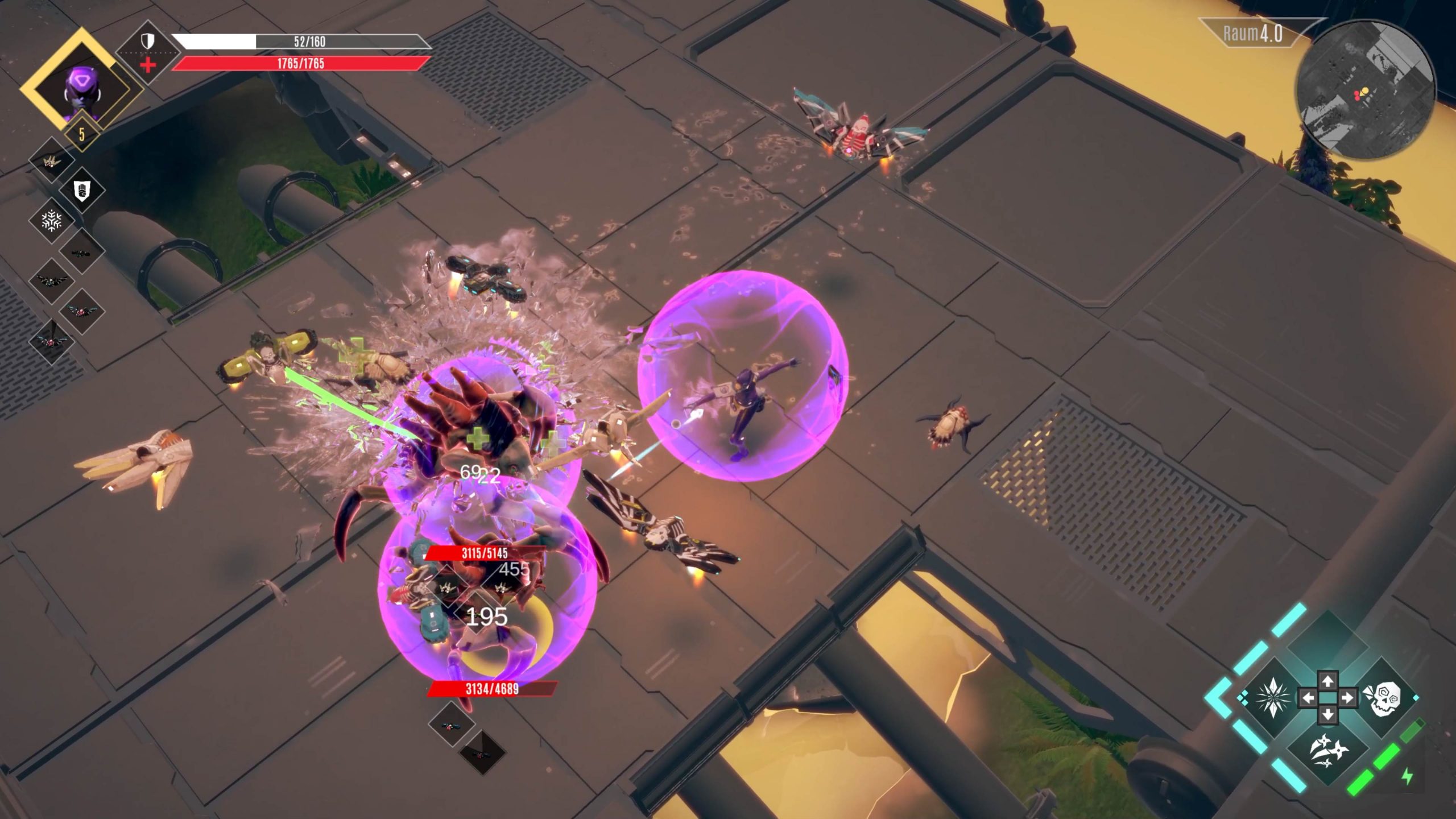
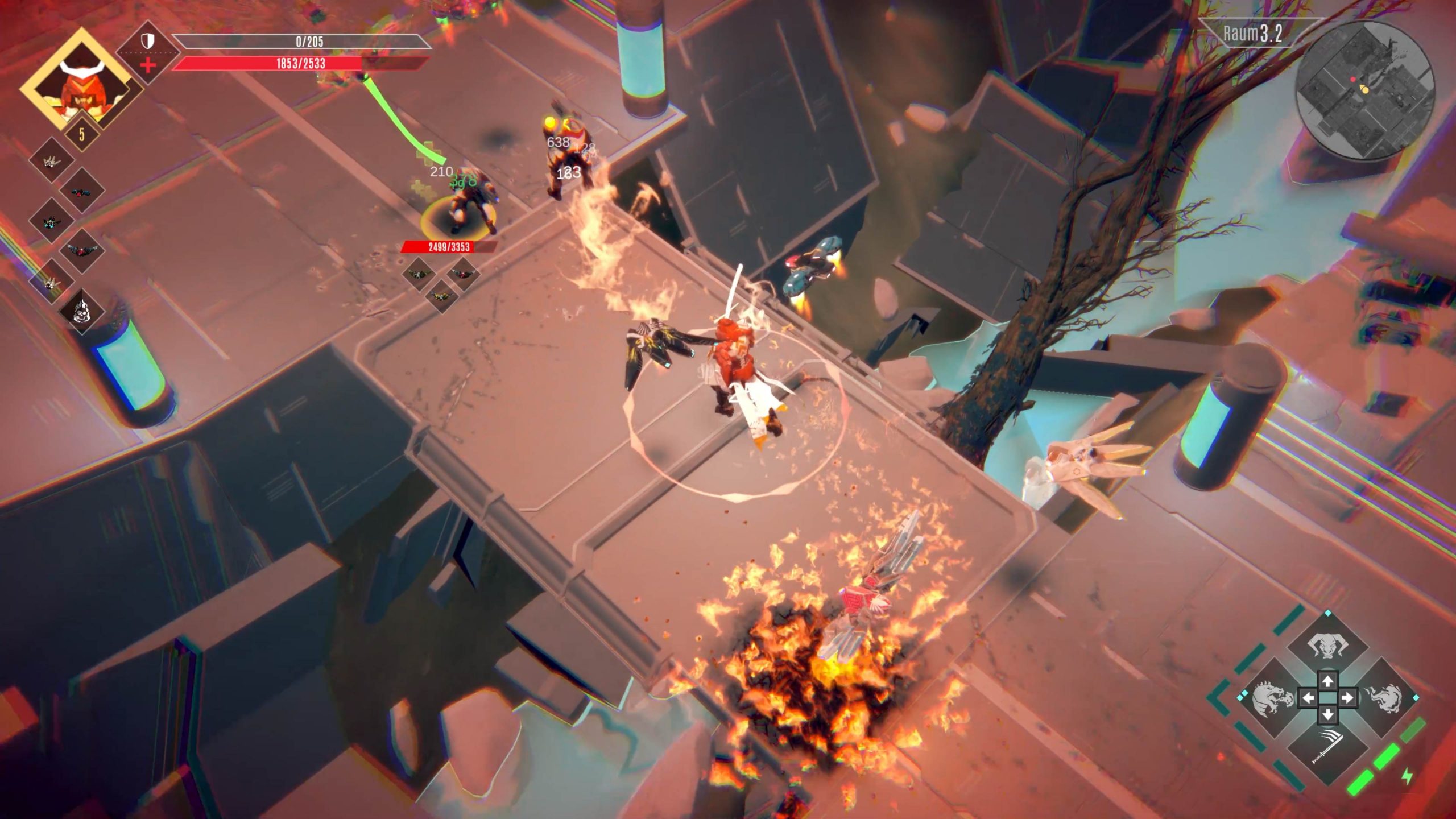
Infinite Dronin is an interactive hack-and-slash action game with Twitch integration.
As a streamer you can use it to get to know your audience much better: as soon as you start streaming your viewers can be invited to join your run.
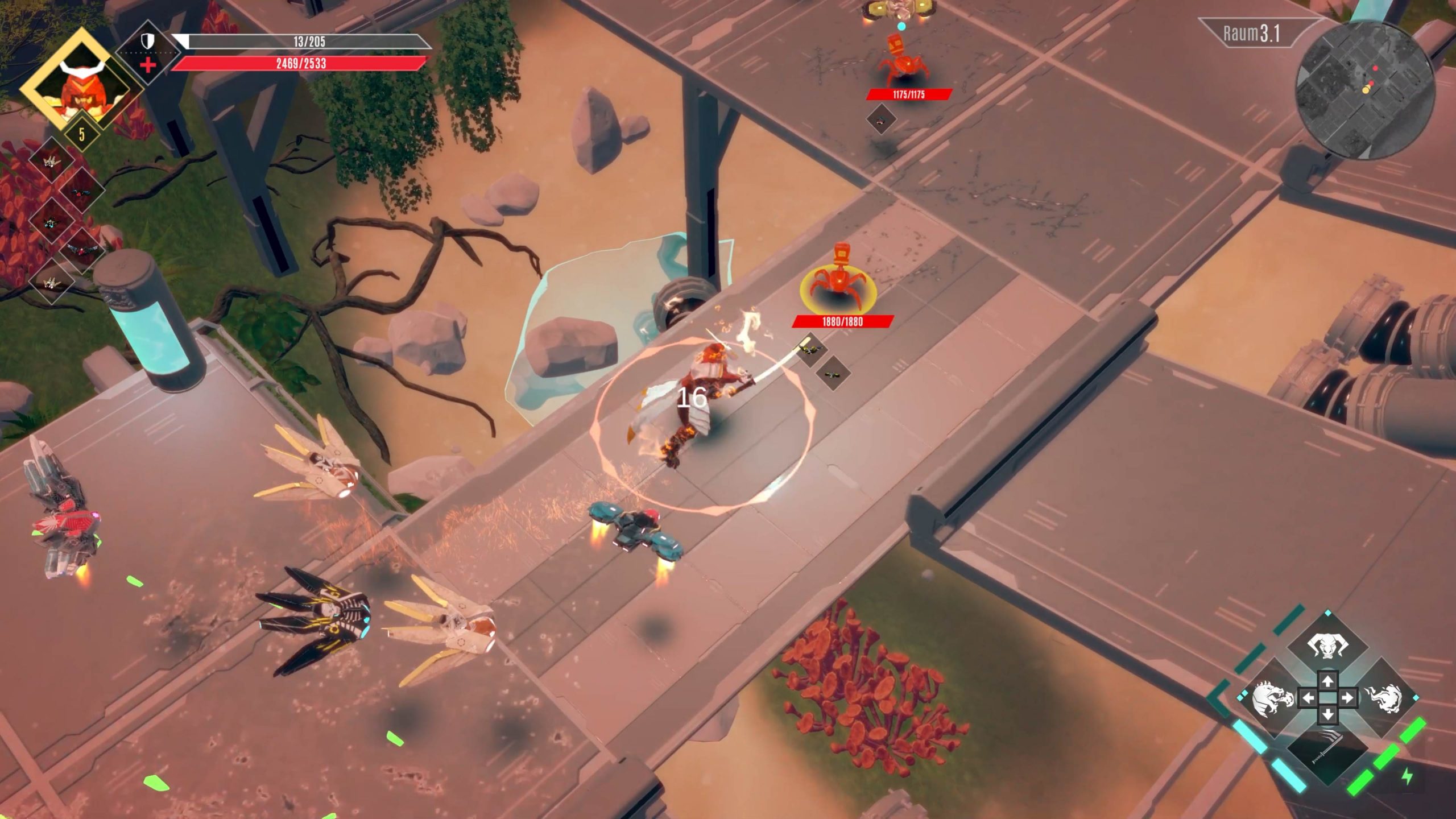
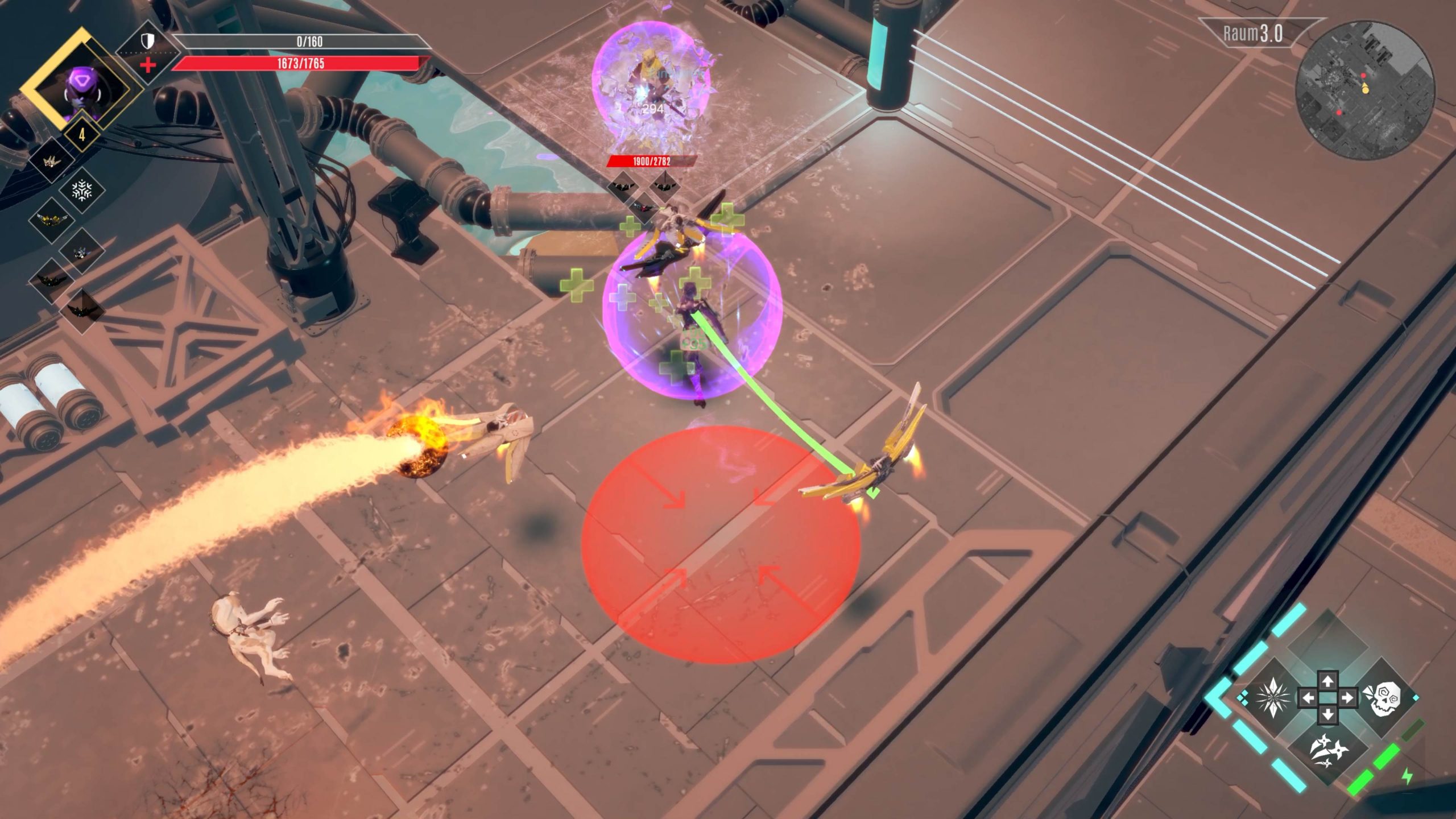
Every run is a new challenge
Not only can you re-select your skills on each run and your drones will become stronger – the Infinite Dronin Twitch extension ensures that every run will be unique, because your everyone in audience can interact with your game!
Is that my drone or yours?
Viewers with their own game copy can use the free Twitch extension to add their drones to the fray – they can choose whether to support you or your oppnents!
Skill is everything!
Are you daredevil enough to let your audience decide which skills you get for your next level-up? Do you trust them? 🙂
Setting up the Extension
Twitch Streamer
Participation is key! As a streamer log into your Twitch dashboard and look for Infinite Dronin under „Extensions“.
Install the extension and grant it permission to access your game. Enter your username and a unique extension password, so you game can have access to the extension. (Please don’t use your Twitch account password. You can change the extension password at any time.)
Now set up the extension to use „Overlay 1“ and start your game. In the options menu select Twitch, enter your username and the just created password and there you are: You are ready to roll!
Audience Participation Time
As a viewer it’s even simpler: once the game starts, open up the overlay, activate the extension and click to „grant access“. Now you’re set to join the game.
Owners of a personal game copy can even go one step further: you can add your leveled-up drones to the streamer’s game. Connect your game with the Twitch extension by entering your username and the extension password in the game’s options. Now the extension can access your game’s drones.
Infinite Dronin is available now on Steam!
Opmerkingen